Scenarios
The Scenario analysis panel lets a Scenario Analyst configure and run their own what-if simulations directly from the Viewer, without using the Web API. This page describes the same workflow as Simulating scenarios, but through the UI.
Starting a new scenario
Open the panel and choose "New scenario". You're shown a card for each analysis available in your world: its name, a description of what it computes, and the calculation and organization behind it.
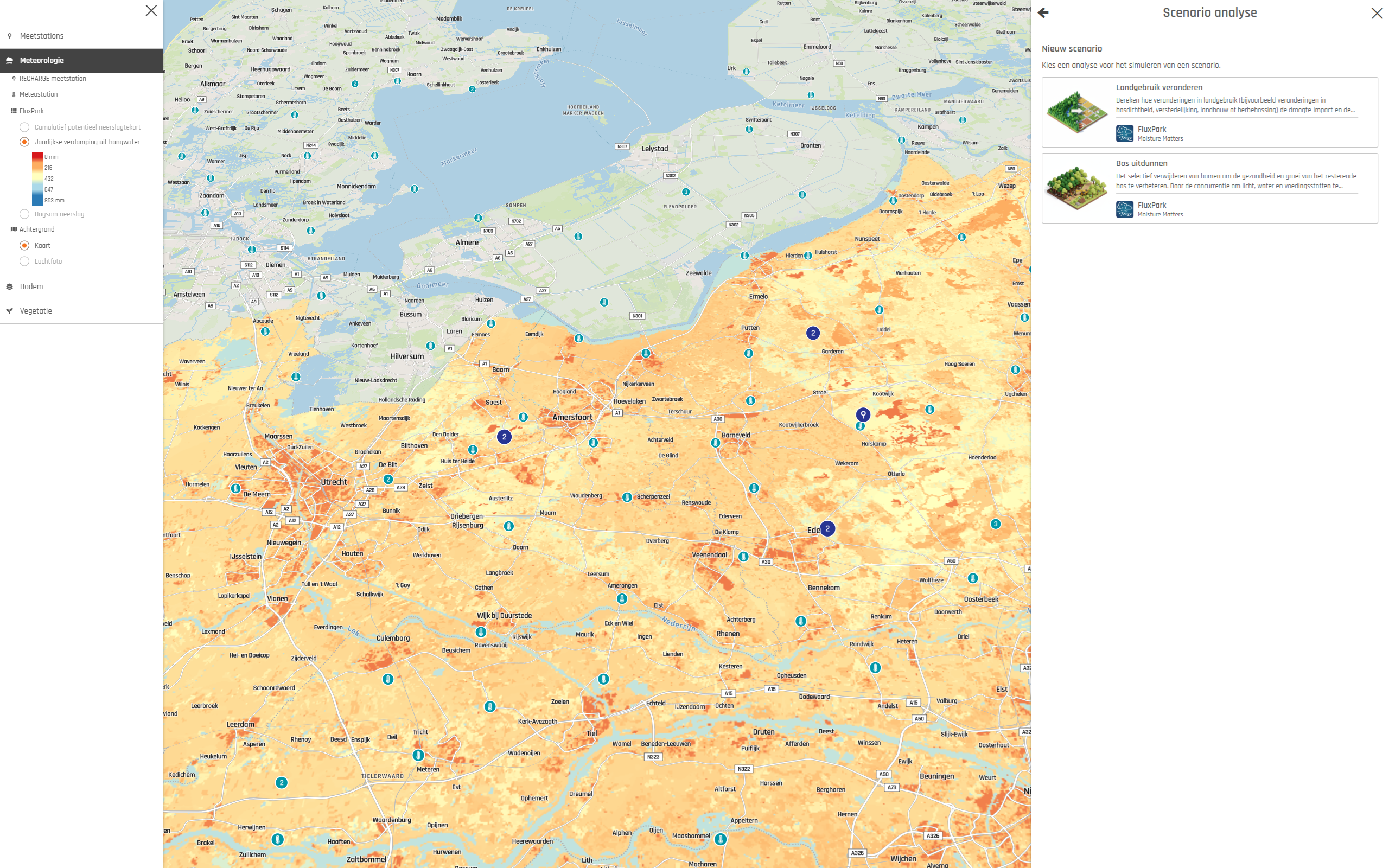
Picking an analysis opens a form generated from that analysis's input fields, for example a date range or a set of parameter values. Fill in the form, give the scenario a name, and select "Start simulation". You'll get a confirmation once the simulation has started, or an error message if it couldn't be started.
Managing scenarios
The panel also lists your existing scenarios. From here you can rename or delete a scenario, and once its simulation has finished, add its results to the map like any other layer.