Uploads
The uploads dialog lets you manually upload files to a data source. It's the browser equivalent of the Upload API service.
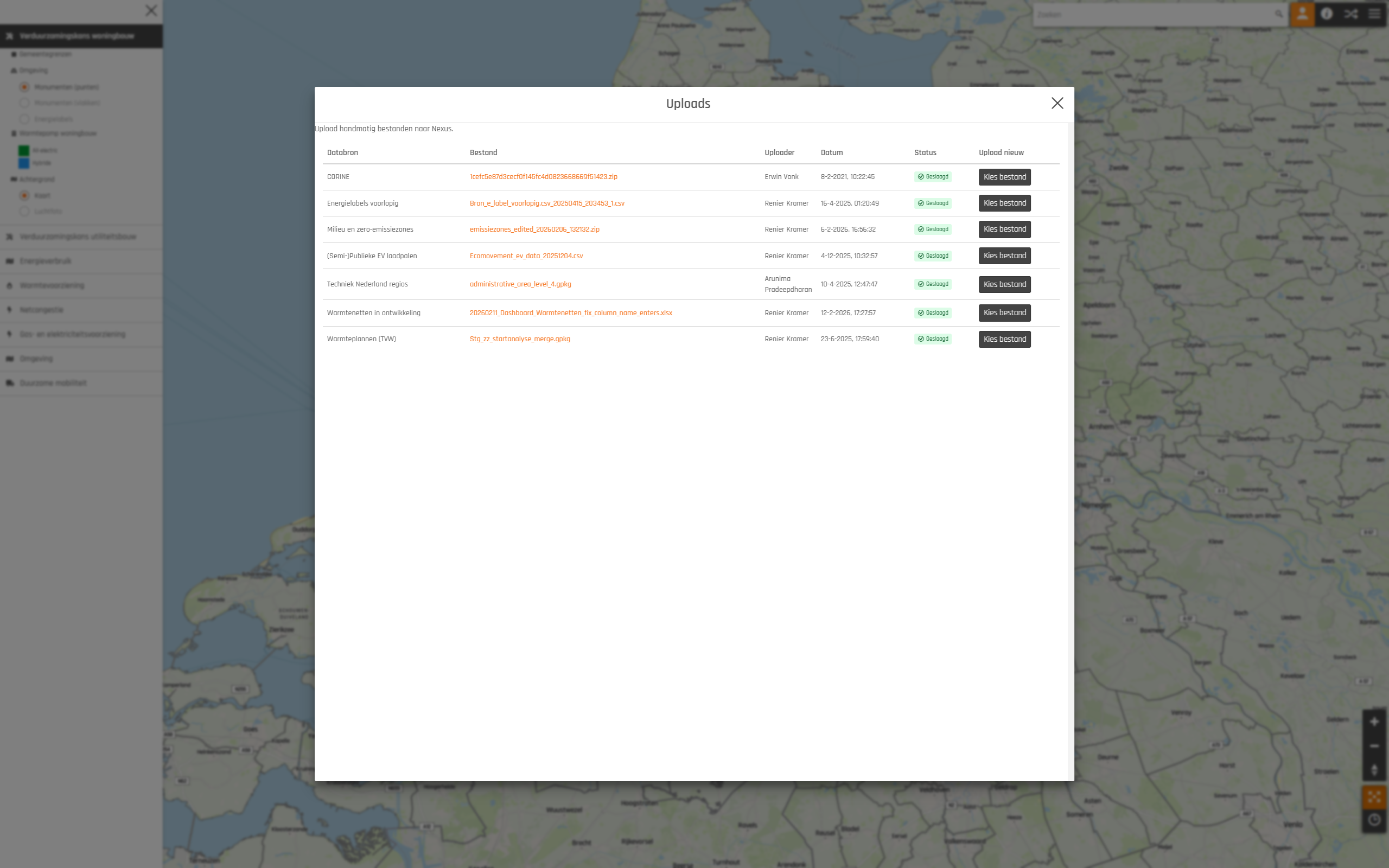
For each data source that accepts manual uploads, the table shows the most recently uploaded file, who uploaded it, when, and its processing status. Click the file name to download that upload. To upload a new file for a data source, use the "choose file" action on its row.
Manually uploading through the Viewer requires the Data Supplier role, plus the Viewer role to access the web application itself.
Uploads are limited to 1GB overall, with a 100MB limit for individual HTML, Excel and JSON files (any other file type can be bigger). See Upload limits for the details.